From One-Click Token Theft to npm Poisoning: AI Security Needs Fewer Heroic Doctors
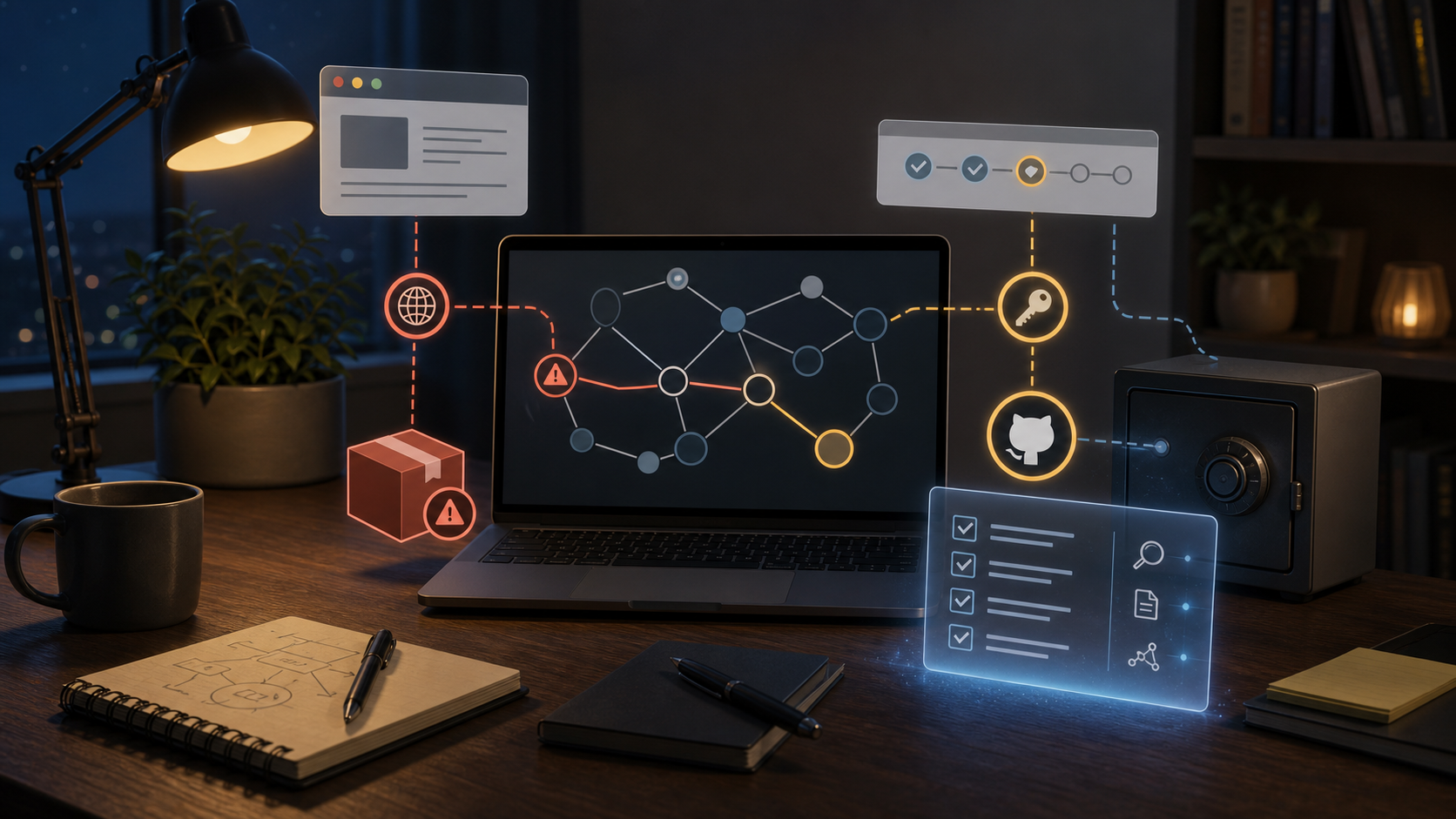
AI summary
- I have been looking at two recent security incidents together: Ammar Askar's VS Code /
github.devtoken stealing writeup, and the compromise of multiple Red Hat Cloud Services npm packages through maliciouspreinstallpayloads. - The first shows that a browser-based developer tool holding a broad GitHub token can turn an ordinary-looking link into a repository access risk. The second shows how a supply chain attack can hide inside normal package names, normal versions, and normal install flows.
- The useful role for AI here is not to confidently declare whether you are safe. It is to help build an evidence chain: lockfiles, package versions, CI runs, install scripts, outbound behavior, credential reachability, and rotation proof.
- For individuals, the priority is stopping the bleeding: clear
github.devsite data, review authorizations, rotate high-privilege tokens, and check unusual repository activity. For companies, the priority is control: freeze entry points, confirm exposure, preserve evidence, map blast radius, rotate credentials, purge caches, and rebuild artifacts. - At the end of this post, I include a complete AI triage Skill for tools such as Codex, Claude Code, and Cursor. Do not paste real tokens, private keys, passwords, or sensitive logs into external AI systems.
There is an old story in He Guan Zi that fits today's security world better than I expected.
King Wen of Wei asks Bian Que which of the three brothers is the best physician. Bian Que answers:
"長兄最善,中兄次之,扁鵲最為下."
The text later says the eldest brother treats illness when it has "not yet taken shape."
The idea is simple. Bian Que became famous not because he was the best doctor, but because he treated illness after everyone could already see it. The truly good physician often looks less impressive, because he handles the disease before it becomes visible.
Software security works the same way.
We remember the heroic moments: the researcher who finds the bug, the engineer who writes the patch, the team that rotates tokens at midnight, the person who can explain the whole incident on a call while everyone else is half awake. But a good security system should need fewer heroes. It should catch the problem when a malicious package first lands in a lockfile, when an install script first reads environment variables, when a browser developer tool first holds a high-privilege token, or when a CI job first behaves strangely.
While reading this week, I kept coming back to two incidents that belong in the same conversation.
One is Ammar Askar's June 2, 2026 writeup, 1-Click GitHub Token Stealing via a VSCode Bug. The other is the June 1, 2026 Red Hat Cloud Services npm package supply chain compromise.
At first glance, one looks like a browser-based developer tool bug, and the other looks like npm package poisoning. Together, they ask a sharper question:
As software work becomes more automated in the AI era, who proves that an action was actually safe?
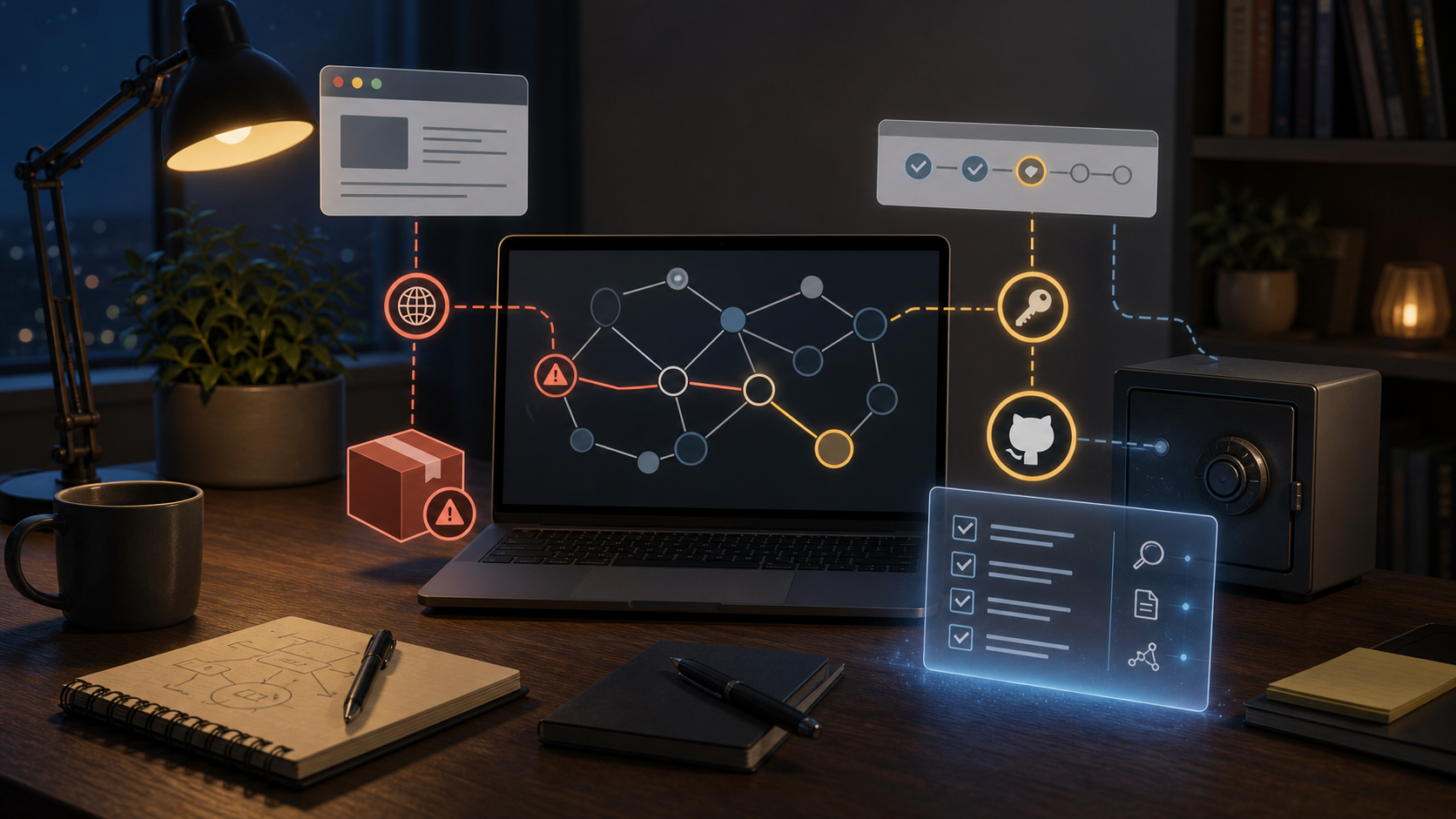
The famous doctor usually arrives late
Security incidents have a strange storytelling bias: the more they look like emergency medicine, the more memorable they become.
A researcher clicks a strange path and realizes a token can be stolen. A security team watches the npm registry and sees a trusted package scope grow a 4 MB obfuscated script. A CI job reaches an unexpected domain in the middle of the night. A developer opens Slack in the morning and sees, "Everyone stop running install for now."
These moments are vivid.
But if we only remember those moments, we start treating security as firefighting. Firefighting matters. The better question is: why did the fire reach the building in the first place?
Bian Que treats illness after it has taken shape. In software, that means the vulnerability has been disclosed, the malicious package has already been installed, the token has already been exposed, the CI job has already run, or the artifact has already shipped. At that stage, even a very capable AI system can only shorten the rescue.
What we should want is the earlier stage: before the disease has a shape.
Not "ask AI whether we are compromised" after the incident blows up, but set up evidence and guardrails earlier in dependency updates, browser development tools, CI permissions, package publishing, and credential lifetimes.
That is why I wanted to write about these two incidents. They are not just security gossip. They are very concrete health checks.
How one link can touch your repository keys
Start with the first incident.
Many developers know a convenient GitHub trick: change github.com in a repository URL to github.dev, and the repository opens in a lightweight VS Code experience inside the browser. It is useful for reading code, quick edits, and small pull requests.
Convenience hides permission.
When I read Ammar's post, the first thing that made me pause was not the proof of concept later in the article. It was this earlier fact: github.com passes an OAuth token to github.dev so the browser-based VS Code can access GitHub on behalf of the user. The important detail is that the token is not limited to the current repository. It may cover other repositories the user can access, including private ones.
That is like walking into one meeting room and receiving not just the key to that room, but a whole office keyring. Most of the time nobody notices, because you only came in to look at the whiteboard. But if the projector in that room can be tricked into performing actions, the keyring is no longer just a convenience. It becomes an attack surface.
The interesting part of the vulnerability chain is not the phrase "token theft." It is how the boundary softened one step at a time.
VS Code webviews are supposed to be isolated. Jupyter notebooks and Markdown previews run in iframes with separate origins, so their JavaScript should not be able to reach directly into the main interface. The trouble comes from user experience. When a person presses a shortcut inside a webview, they still expect VS Code to respond. So the webview forwards keydown events to the main workbench.
That was meant to make the interface feel natural.
But if untrusted content can forge those keyboard events, it can trigger the command palette, accept notifications, install an extension, and eventually let a malicious extension read the GitHub API token. Ammar later compressed the issue in VS Code issue #319593: webviews could trigger arbitrary keyboard shortcuts in the main workbench.
Most readers do not need to memorize the shortcut chain. The lesson is simpler:
Not every action that looks like "opening a web page" has only web-page permissions.
When a browser development environment holds your GitHub identity, it is no longer an ordinary page. It is a stack of browser, editor, extension system, OAuth token, and repository access. Any layer that softens a boundary for convenience may help turn "click a link" into "hand over a key."
How one npm install can drain a company
Now look at the second incident.
Red Hat's bulletin is restrained: on June 1, 2026, multiple packages under the @redhat-cloud-services npm namespace were publicly disclosed as compromised. The initial investigation pointed to a compromised GitHub account used to push unauthorized commits to repositories under the RedHatInsights organization. Red Hat removed the compromised versions from npm and continued analyzing build systems and dependency tracking.
There is not much drama in that wording, but it says enough. An attack does not have to start with a strange package name.
It can start inside a scope you trust, a package name you recognize, and an install flow that looks normal.
The part that made me sit up was the install-time behavior described by StepSecurity: the packages contained malicious payloads that ran automatically through preinstall on every npm install. The target was not a single business API. It was the keychain of development and delivery environments: GitHub Actions secrets, AWS, GCP, Azure, Kubernetes, HashiCorp Vault, npm tokens, CircleCI tokens, and more.
This is why supply chain attacks are more exhausting than ordinary vulnerabilities.
An ordinary vulnerability usually has a boundary: a service, an endpoint, a version. A malicious npm package expands along the install path. Who ran install? Which developer machine? Which CI runner? Which Docker build layer? Which release job had npm tokens, cloud keys, or GitHub tokens in reach?
If you cannot answer those questions, you do not know where the disease is.
The worst part is that preinstall is not exotic. It is a normal npm lifecycle hook. A developer types the most ordinary command:
npm installThe attacker sees something else: a chance to execute code on a developer machine or CI runner, often close to environment variables, config files, SSH keys, cloud credentials, and registry tokens.
This is not just "a bad package was downloaded." It is the attacker being invited into the build room.
Do not ask AI to judge first. Ask it to collect evidence.
AI is easy to misuse in this kind of incident.
The worst version is to paste a news article, a log snippet, or a lockfile into a model and ask: "Am I safe?"
That question is too large, and it is dangerous. The model may give you a confident answer, but it has not checked your CI runs, seen your real outbound logs, verified credential rotation, or confirmed that no malicious tarball remains in cache. It is giving you linguistic comfort.
The better use is to make AI an evidence clerk and triage partner.
It should help break the problem into questions:
- Which repositories reference the relevant packages?
- Which lockfiles contain affected versions?
- Which CI jobs ran install during the risk window?
- Which secrets were reachable from those jobs?
- Is there unusual
preinstallbehavior, large obfuscated code, environment-variable access, or network activity? - Which credentials should be rotated first?
- Which caches, images, and artifacts need to be rebuilt?
- Which controls should be added so the next similar attack is not discovered by luck?
The value of AI is not shouting "compromised" or "safe." It is turning scattered material into an evidence chain.
Incident response often fails through skipped steps.
You see the package name and upgrade it. You see token risk and rotate one token. You see suspicious CI output and rerun the job. Each action looks reasonable alone. Without an evidence chain, though, blind spots remain: an old runner, an uncleared cache, an unrotated publish token, a suspicious workflow change, an internal image still using a poisoned layer.
AI is useful when it keeps you from missing those boring but fatal steps.
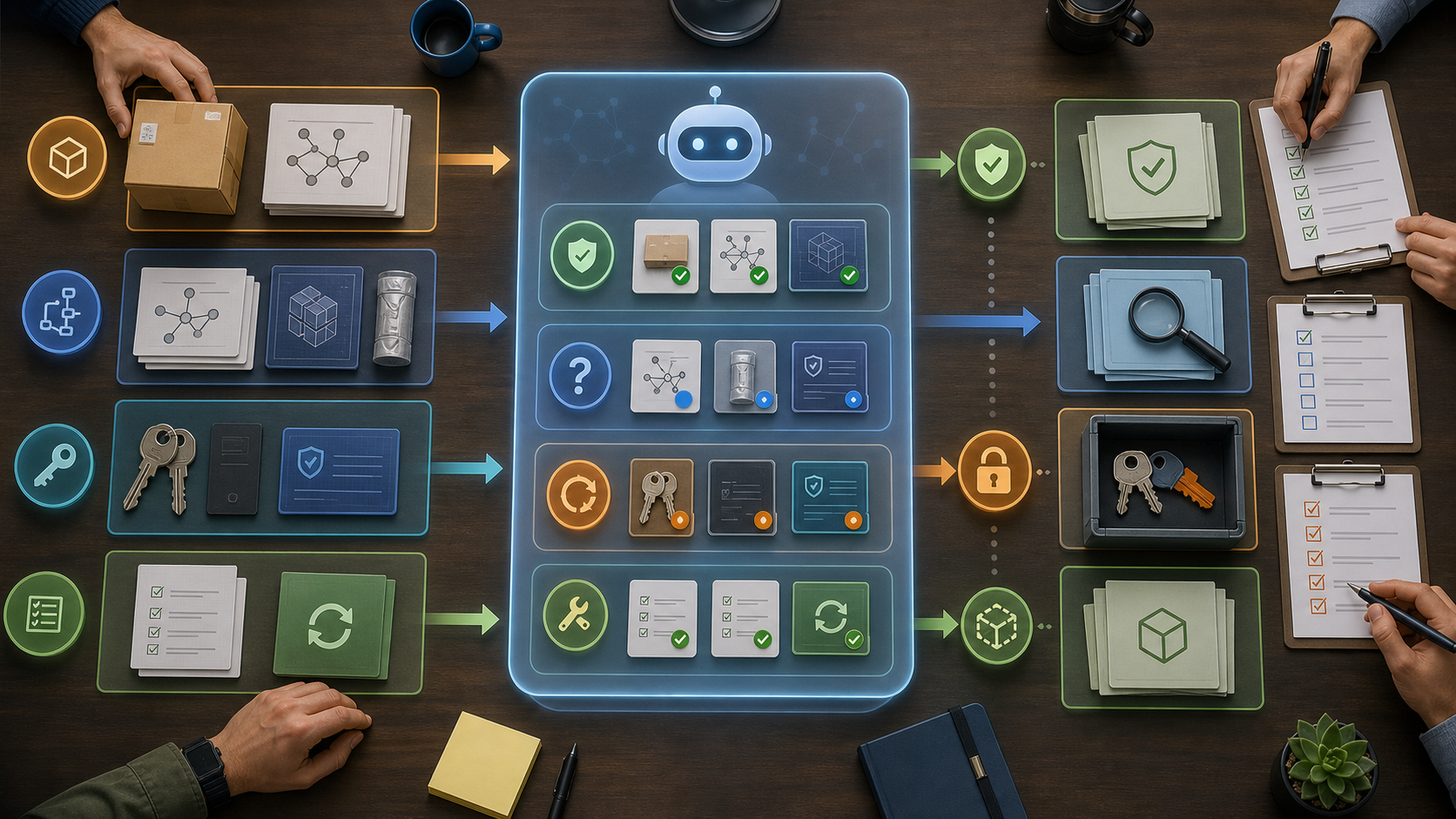
Personal triage: stop clicking, then cut the keys
If you are an individual developer facing a risk like github.dev token stealing, you do not need to become a security team overnight. You need to stop the bleeding in order.
First, stop opening suspicious github.dev links.
Be especially careful with notebooks, Markdown previews, or repositories containing interactive content sent by someone else. This does not mean every github.dev link is dangerous. It means that when a tool can render untrusted content and also hold your GitHub identity, treat it as a permissioned work environment, not a normal web page.
Second, clear github.dev site data.
The plain thing I would do first is clear cookies and local site data for github.dev. That makes future sessions more likely to start from a fresh authorization state instead of quietly carrying old context forward.
Third, review GitHub authorizations.
Go through OAuth Apps, GitHub Apps, personal access tokens, and fine-grained tokens. Focus on three questions:
- Is there an app you do not recognize?
- Is there a token with more permission than it needs?
- Is there an old authorization that is still valid even though you no longer use it?
Fourth, rotate high-privilege tokens.
If you ran a proof of concept or have reason to believe a token may have been exposed, do not spend too long asking a model to decide. Rotate first, especially tokens with repo, workflow, package, or admin-related scopes.
Fifth, check repository activity.
Look for unusual pushes, branches, releases, workflow changes, webhooks, deploy keys, GitHub App authorizations, and branch protection changes. Even without an enterprise security platform, you can still review GitHub security pages, audit surfaces, and repository events.
Sixth, let AI organize the result.
You can give AI redacted findings and ask it to produce a table: check item, evidence, conclusion, next action. Do not paste real tokens, private keys, cookies, or full sensitive logs. AI can help write the medical chart. It should not hold the keys.
Enterprise triage: follow the line or miss something
When a company faces an incident like the Red Hat npm compromise, the easiest mistake is to start with "search every repo for the package."
You should search for the package. But that is only the second step. Real triage should feel like preserving an incident scene: control the entry points, preserve evidence, map blast radius, then repair and prevent.
This sequence can become an internal runbook.
Step 1: Freeze entry points.
Pause automatic dependency updates, automatic releases, and automatic image builds inside the affected scope. Not every pipeline has to stop, but any path that runs install scripts, publishes packages, builds artifacts, or pushes images should move into controlled mode.
Step 2: Confirm exposure.
Search package.json, package-lock.json, pnpm-lock.yaml, yarn.lock, and bun.lockb across repositories. Do not check only direct dependencies. npm risk often hides in transitive dependencies. Produce a table: package, version, repository, file path, direct or transitive dependency, evidence.
Step 3: Preserve evidence.
Do not rush to rewrite lockfiles. Save the current commit SHA, lockfile, CI run id, runner image, install command, package registry URL, artifact digest, and container image digest. Many response efforts lose clarity because the first fix also wipes the scene.
Step 4: Inspect install-time behavior.
For matching packages, do static inspection first. Do not execute them. Look at preinstall, install, postinstall, and prepare. Treat large root-level JavaScript, obfuscation, eval, encoded arrays, environment-variable reads, /proc access, home directory scans, cloud metadata endpoints, and unexpected outbound requests as high-risk evidence.
Step 5: Map blast radius.
List every place install could have run: developer machines, CI runners, release jobs, Docker builds, internal registry mirrors, cache layers, artifact repositories. For each one, list reachable credentials: GitHub tokens, npm tokens, AWS/GCP/Azure credentials, Kubernetes, Vault, SSH keys, Docker registry tokens, CircleCI tokens.
Step 6: Rotate by priority.
If malicious install code ran in an environment, do not rotate only the npm token. The attacker may have touched the whole delivery keychain. Prioritize credentials that are high-privilege, enable lateral movement, publish artifacts, or modify workflows. After rotation, verify that old credentials no longer work and check audit logs for post-exposure use.
Step 7: Clean and rebuild.
Delete poisoned caches, rebuild clean images, and republish clean artifacts. Check for new or modified GitHub workflows, deploy keys, webhooks, GitHub Apps, OAuth Apps, and branch protection changes. A supply chain attacker may not stop at stealing a key once; they may try to leave a path back in.
Step 8: Verify before resuming.
Before pipelines return to normal, confirm at least four things: affected versions are gone from lockfiles; caches and images no longer reference poisoned packages; credentials that may have been exposed are rotated; and clean builds have actually run. Without those four, resuming is closer to hoping.
Step 9: Add prevention controls.
This step is easy to skip, and it matters most.
Consider package cooldown: newly published versions wait before they enter internal builds. Many malicious package windows are short; a delay catches some "freshly published and already dangerous" incidents.
Then add internal registries or proxies, lockfile review, install-script auditing, CI egress monitoring, secret scanning, short-lived credentials, least-privilege runners, and OIDC publishing policies constrained by repository, branch, tag, workflow, and environment.
None of this is as dramatic as "we found the exploit." It is closer to what Bian Que's eldest brother did.
Disclosure is not the finish line. Neither is the patch.
I used to read security posts and focus on the discovery: who found what, and how clever the chain was. These days I care more about the second half: after the thing is disclosed, how do ordinary developers and companies catch it?
Disclosure is not the finish line. It only turns the light on.
Once the light is on, several kinds of material appear on the table at once: someone explains the attack chain, someone tracks the product boundary in an issue, a vendor publishes a restrained advisory, a security team lists affected versions and runtime behavior. They look scattered. Inside a company, they cannot stay scattered. Otherwise security reads one post, platform opens a ticket, engineering upgrades one package, and everyone did something, but nobody can answer: are we actually clean now?
I would rather connect those materials into one flow:
- Disclosure material enters the intelligence queue.
- AI extracts package names, versions, dates, entry points, and indicators.
- Asset inventory checks repositories, lockfiles, CI, images, and developer machines.
- Security verifies evidence instead of accepting "the model says maybe."
- Platform rotates credentials, purges caches, and rebuilds artifacts.
- Engineering submits remediation pull requests.
- Governance adds controls so the same path is harder next time.
AI can participate in every step, but it cannot replace the owner of each step.
It can write queries, read lockfiles, summarize malicious scripts, draft rotation plans, and produce an incident report. Someone still has to confirm: did this runner really execute the package? Is this token really dead? Was this image really rebuilt? Did we add this workflow?
That is what evidence means.
Not security as a feeling. Not a complete-sounding story. A conclusion with proof underneath it.
Appendix: a prevention-first Skill for AI
I turned the triage flow above into a complete AI skill. I am not embedding it here because it is too long and would break the reading flow.
Attachment: Supply Chain Incident Triage Skill
If you suspect that a repository, CI pipeline, developer machine, or artifact was exposed through GitHub token theft, a malicious npm package, or a CI/CD credential leak, you can download this Skill and ask an AI agent to help collect evidence, map blast radius, and generate a remediation plan.
Do not paste real tokens, private keys, passwords, cookies, or full sensitive logs into external AI systems.
The design principle is simple:
Ask about the environment before assuming it. Preserve the scene before changing it. Look for evidence before drawing conclusions. Rotate the keys before debating blame. Turn one emergency response into prevention for the next one.
AI-native security should not only mean "AI finds more bugs."
Once bugs become easier to find, the scarce things will be evidence, ownership, fast remediation, verifiable recovery, and prevention that blocks the next incident.
Bian Que still matters.
But if an organization always needs Bian Que, the illness has already been allowed to grow too long.
The better goal is to stop more problems before they take shape. No heroic rescue, no 3 a.m. credential rotation, no panic over whether "we are compromised."
Just a quiet, reliable evidence chain that catches the bad thing before it becomes large enough to name.
References
- Ammar Askar, 1-Click GitHub Token Stealing via a VSCode Bug, 2026.
- Microsoft VS Code, Security: Webviews can trigger arbitrary keyboard shortcuts in the main workbench #319593, 2026.
- Red Hat, RHSB-2026-006: Supply chain compromise of @redhat-cloud-services npm packages, 2026.
- StepSecurity, Multiple redhat-cloud-services npm Packages compromised, 2026.
- RedHatInsights, [SECURITY]: Malicious npm releases detected across @redhat-cloud-services/ scope #492, 2026.
- Chinese Text Project, He Guan Zi, Shi Xian.
Local graph
这篇文章在知识网络里的位置
Why these nodes?
- From One-Click Token Theft to npm Poisoning: AI Security Needs Fewer Heroic Doctors → After Prompt Injection: The Real AI Agent Risk Is the Toolchain
links to this post - From One-Click Token Theft to npm Poisoning: AI Security Needs Fewer Heroic Doctors → AI should not replace QA clicks. It should learn to find trouble.
links to this post - AI should not replace QA clicks. It should learn to find trouble. → From One-Click Token Theft to npm Poisoning: AI Security Needs Fewer Heroic Doctors
links back to this post - After Prompt Injection: The Real AI Agent Risk Is the Toolchain → From One-Click Token Theft to npm Poisoning: AI Security Needs Fewer Heroic Doctors
links back to this post - From One-Click Token Theft to npm Poisoning: AI Security Needs Fewer Heroic Doctors → Why AI Agents Are Bringing Engineers Back to the Terminal
same series - From One-Click Token Theft to npm Poisoning: AI Security Needs Fewer Heroic Doctors → After Prompt Injection: The Real AI Agent Risk Is the Toolchain
same series - From One-Click Token Theft to npm Poisoning: AI Security Needs Fewer Heroic Doctors → After Prompt Injection: The Real AI Agent Risk Is the Toolchain
shares concept: agent-safety - From One-Click Token Theft to npm Poisoning: AI Security Needs Fewer Heroic Doctors → AI should not replace QA clicks. It should learn to find trouble.
shares concept: quality-loop
Read next because
关联阅读,不是猜你喜欢。
After Prompt Injection: The Real AI Agent Risk Is the Toolchain
Agent security is not about making the system prompt sound stricter. It is about redesigning work authorization: outside content can be evidence, but it cannot grant permission to act.
AI should not replace QA clicks. It should learn to find trouble.
The practical use of AI in software testing is not to let a model decide what passed. It is to connect requirements, test cases, scripts, evidence, defects, and regression scope into one feedback loop.
Why AI Agents Are Bringing Engineers Back to the Terminal
The terminal is not coming back because engineers are nostalgic. It is coming back because AI agents need an executable, observable, replayable workspace.
Everyone has AI. Why doesn't the company learn?
AI makes one-off output cheap. The harder question is whether a company can turn those outputs into reusable judgment, better workflows, and institutional memory.