Why AI Agents Are Bringing Engineers Back to the Terminal
AI summary
- The terminal is becoming important again not because engineers are nostalgic, but because AI agents need an executable, observable, replayable interface.
- Graphical interfaces are often good for human perception, but text, commands, logs, exit codes, diffs, and test results are easier for agents to consume.
- Jane Street's
strace-uiand Bonsai_term show that TUI is not a poor version of GUI. It can turn complex system state into a fast, keyboard-friendly, testable workspace. - Tools like Claude Code and Codex CLI turn the terminal from a place where humans operate machines into a shared space where humans and agents operate engineering systems together.
- The next generation of developer tools may not be decided by who has the prettiest interface, but by who can make the loop between task, action, evidence, and correction shorter.
For a while, I thought the future of AI coding tools would look like a very large IDE.
Bigger sidebars, smarter completions, panels that explain code, polished workspaces designed by product teams. You drop in a requirement, paste a screenshot, let the model think inside a rounded card, and eventually receive something acceptable.
But the first AI coding experience that really made me feel "this can work" did not come from a beautiful interface.
It came from a terminal.
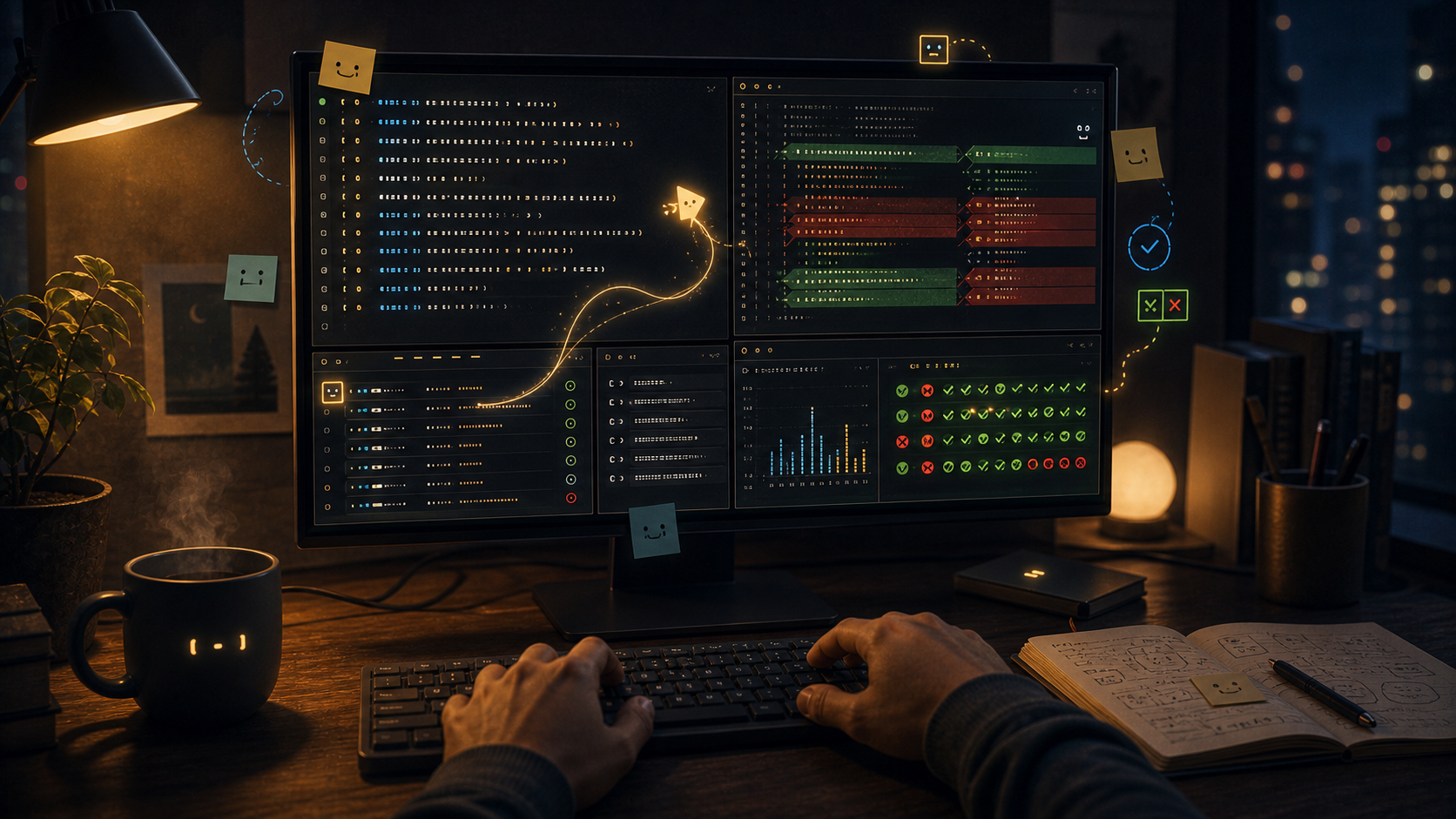
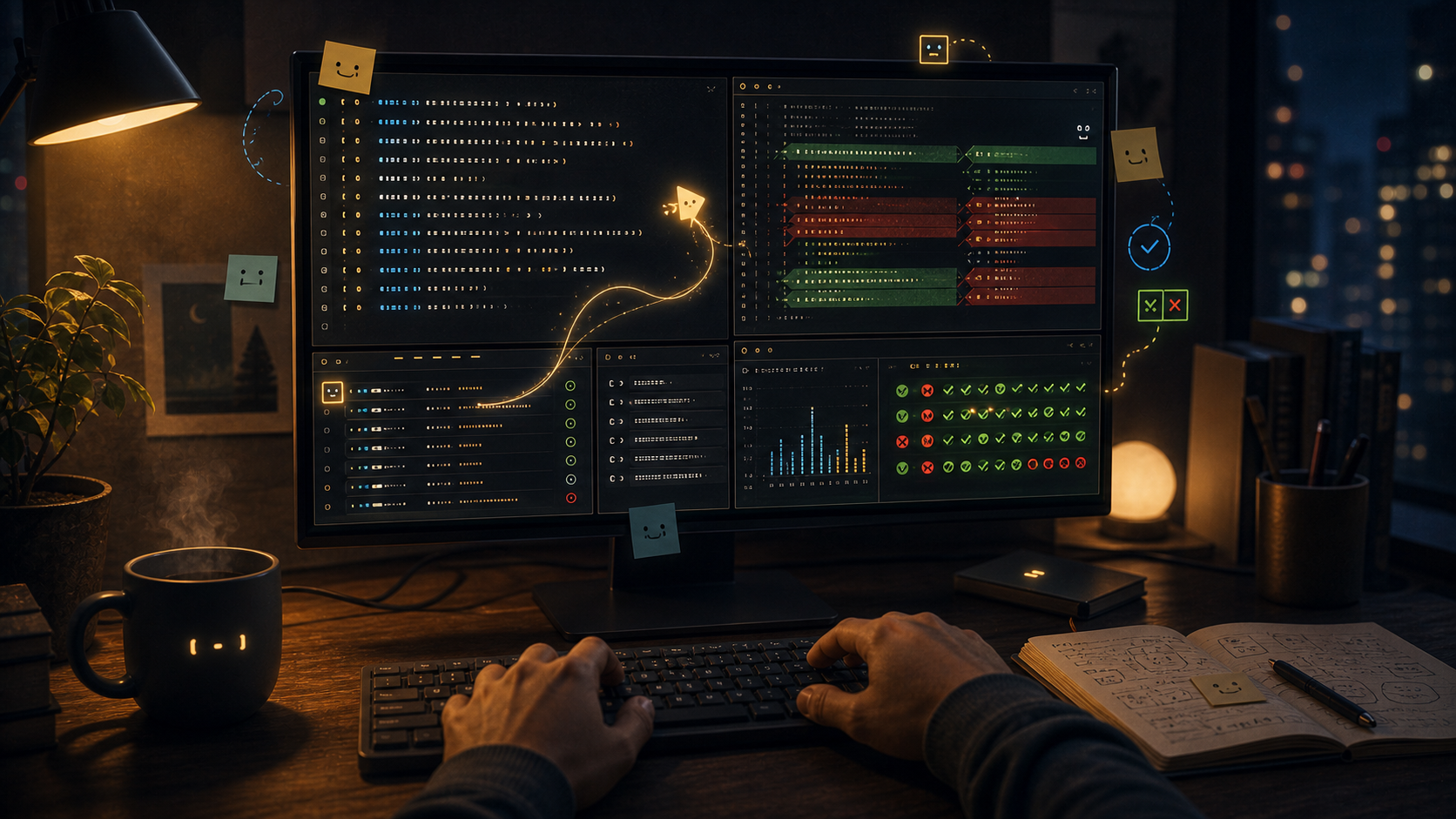
Black background, white text, a little green, a little red. An agent runs rg, reads files, edits a small piece of code, runs tests, fails, reads the logs, edits again. It does not need to learn where the button is. It does not need to interpret the screen as an image. It sees commands, output, exit codes, diffs, paths, line numbers, and stack traces.
These things are not beautiful in the usual product sense. But they are honest.
They reduce an engineering action to its most useful shape: what I did, how the system responded, where it broke, and where to look next.
The Terminal Is Not a Nostalgia Filter
The command line does have a nostalgic side.
Many engineers have feelings about it: the first time you ssh into a machine, the first time you find a production problem in logs, the first time a pipeline turns half a day of manual work into ten seconds. The terminal feels like an old workbench, worn smooth at the edges, full of small tools only you know how to use.
But if we explain the return of TUI as nostalgia, we miss the point.
Jane Street recently published strace-ui, Bonsai_term, and the TUI renaissance. The starting point is modest: strace is useful but hard to work with. The output is difficult to read, subprocesses and threads are hard to follow, and filtering syscalls often means rerunning the trace. So they built a terminal UI that turns strace into something you can explore.
That sounds small. It says a lot.
Raw strace output can feel like an unorganized case file. System calls pour out line after line: openat, recvmsg, rt_sigprocmask, mixed with pids, file descriptors, addresses, and buffers. You know the clue is in there, but you have to keep the state in your head while flipping through the stack of paper.
strace-ui is not merely making that output prettier.
It gives processes shorter labels, formats structs, renders buffers as hexdumps, lets you filter syscalls interactively, jump along the same file descriptor, and make network activity easier to inspect.
That is not decoration. It turns a stream of output into an investigable scene.
What did the program just ask the kernel to do? When did this socket open? Where did this subprocess come from? What happened before this log line?
In this case, the terminal is not GUI's poor relative. It is a workbench that is just constrained enough, close enough to the problem, and quiet enough to keep attention where it belongs.
Agents Like Different Interfaces Than Humans Do
Humans like interfaces for reasons agents often do not share.
We like icons because they are quick to recognize. We like drag-and-drop because it has a spatial feel. We like buttons, cards, animation, hierarchy, and color because they help us divide complexity into pieces.
Agents do not necessarily need those things.
For a coding agent, the most important question is often not "does this look clear?" but "can this be read accurately?" It cares about different things:
Can the action be represented as text?
Can the result be copied?
Does failure produce a clear error?
Can the state change become a diff?
Can the next step be executed directly?
This is why the terminal suddenly feels natural. Commands are actions. Logs are observations. Exit codes are judgments. Test results are verification. Diffs are memory.
Graphical interfaces can support these things too, but they have to be deliberately designed that way. The terminal comes with them by default. It has fewer spatial illusions and fewer visual rituals. It puts the feedback that matters to engineering work directly on the table.
Claude Code's documentation describes it as an agentic coding tool that can read a codebase, edit files, run commands, and integrate with development tools. It is available in the terminal, IDE, desktop app, and browser. OpenAI's Codex CLI page is even more direct: pair with Codex in your terminal.
Taken together, those lines point to the same shift.
AI coding tools are not just answering questions in a chat box. They are moving into the places where engineers already work: repositories, shells, tests, CI, logs, and version control.
The common language of those places has long been text.
A Testable Interface Is an Agent-Friendly Interface
The most interesting part of the Jane Street essay, to me, was not that TUI is fast or keyboard-friendly. It was the discussion of Bonsai_term and expect tests.
Roughly: if a terminal application can print its current UI state as screenshot-like text, then a failing test can show a clear diff. A row changed. A column disappeared. A state moved from pending to done. Both the human and the agent can see it quickly.
That feels slightly counterintuitive.
We often think of UI testing as a nuisance: screenshots are brittle, pixel differences are noisy, browser state is complex, and when a test fails you have to guess whether styling broke, data arrived late, or the button really did not respond.
But a well-designed text interface can turn state into evidence.
That matters enormously for agents.
Agents are not afraid of doing work. They are afraid, in a sense, of not knowing whether the work was correct.
Ask an agent to change code and it can change code. Ask it to explain an error and it can explain. Ask it to guess whether a UI is correct and it may guess. What stabilizes it is feedback:
The test is red.
The type checker failed.
The snapshot diff changed.
The build failed in this file on this line.
At that point, the agent is no longer merely performing intelligence. It is working inside a system with friction, evidence, and correction.
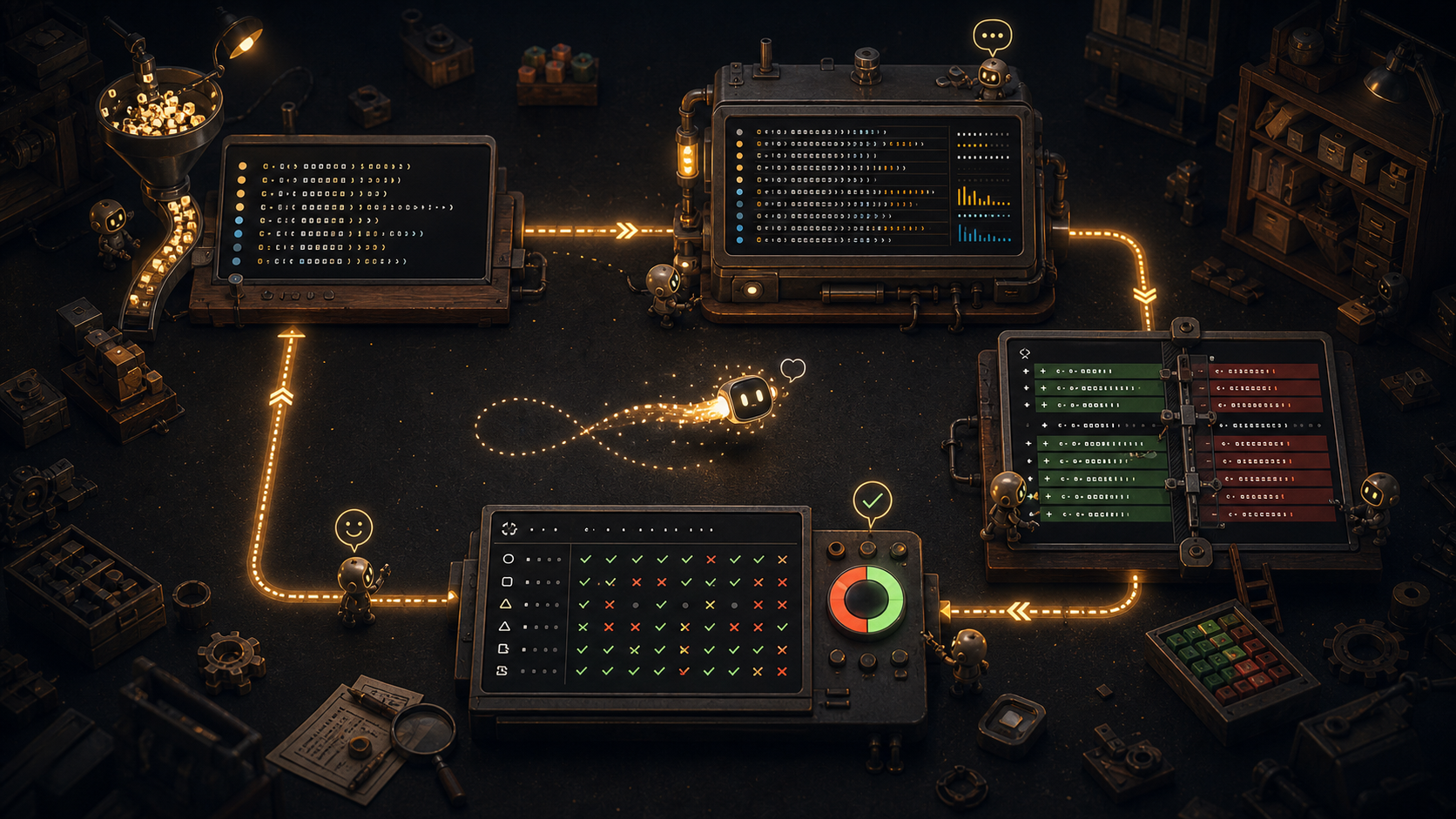
So the value of the terminal is not that black backgrounds are cool. The value is that it shortens the feedback loop.
From task to action, from action to output, from output to verification, from verification to correction, most of the loop happens in the same medium.
That is what a good workbench feels like.
GUI Did Not Lose. It Just No Longer Wins by Default.
I do not want this to become command-line fundamentalism.
GUI did not lose. Many kinds of work naturally need graphical interfaces: design, visualization, complex business workflows, maps, video, spreadsheets, operations topology, permission configuration. Humans are not log parsers. We need shape, hierarchy, space, and color.
The point is that AI agents change how we evaluate interfaces.
In the past, a developer tool mostly served humans. It had to reduce human cognitive load, help people remember fewer commands, make fewer mistakes, and avoid digging through documentation. Graphical interfaces had a huge advantage.
Now an interface increasingly serves both humans and agents.
If a button produces no clear state output, if a failed flow only shows a vague toast, if an operation's data changes cannot be copied, recorded, or replayed, if a system can only be understood by asking an agent to guess from a screenshot, then it may be comfortable for humans while remaining unfriendly to agents.
On the other hand, a plain-looking TUI can feel unexpectedly modern if every step has an action, result, state, and testable representation.
That is also the point of the paper Terminal Is All You Need. It argues that terminal-based agent tools are widely adopted in practice not by coincidence, but because the terminal satisfies several important design properties: representational compatibility between agent and interface, transparency of agent actions, and low barriers for human participation.
I do not think that means every interface should become a terminal.
It means that future agent-facing interfaces need to recover the qualities the terminal already has.
Readable.
Executable.
Traceable.
Replayable.
Verifiable.
The Terminal Is a Shared Space
Before AI coding agents, I experienced the terminal as the place where I operated the machine.
Now it feels different.
It feels like a shared space.
I state a task. The agent reads the repository. It runs commands while I watch the output. It edits files while I inspect the diff. It runs tests while I read the failures. It explains what it wants to do next, and I can interrupt, correct, or narrow the scope. Our conversation happens not only in chat, but also in command history, file changes, error logs, and test results.
That changed how I think about the word "interface."
An interface is not a set of controls arranged on a screen. It is the contact surface between people, machines, and the work itself.
For AI coding, the real work object is not a beautiful prompt. It is the repository, dependency graph, runtime environment, tests, logs, commit history, and deployment constraints. The terminal connects those objects tightly. It lets an agent enter the same scene instead of guessing through a screenshot or a product wrapper.
That is why I am increasingly skeptical of the idea that one universal chat box will absorb all work.
Chat is good for intent.
The terminal is good for action.
The IDE is good for reading and local editing.
The browser is good for seeing the real user interface.
The future of developer tools will not have only one interface. More likely, these interfaces will be rearranged: chat clarifies intent, the terminal executes and verifies, the IDE provides code context, the browser checks visual behavior, and version control preserves memory.
In that arrangement, the terminal moves back toward the center. Not because it is the biggest surface, but because it behaves most like a working pipe.
Pretty Still Matters. It Is Just Second.
A good engineering tool should be beautiful.
But beauty here does not mean cinematic gradients, floating cards, and animated glow. It is closer to a good pair of pliers: clean lines, right weight, and the quiet confidence that when you put it back in the toolbox, it will be there next time.
The beauty of the terminal is restraint.
It says: first make the work explicit. First make the action executable. First make failure reproducible. First make the result comparable. First make the next person, or the next agent, able to understand what just happened.
When AI joins the work, these qualities become more valuable.
Models make output more abundant. They make experiments faster. They make things that look complete much cheaper. A very capable-looking agent without a feedback loop can simply produce hallucinations faster, avoid the real problem faster, and wrap errors in explanations faster.
The terminal pulls it back to earth.
Run it.
Read the output.
Inspect the diff.
Test it.
If it fails, try again.
That old-fashioned loop suddenly looks like the most modern way to work with AI.
Back to Black and White
So I have started to think that the terminal is not coming back because engineers miss the past.
It is coming back because we are trying to find a desk for a new colleague.
This colleague does not get tired. It reads quickly and writes quickly. But it needs clear inputs, explicit boundaries, reliable feedback, and verifiable results. It needs a place where each action can be seen, where errors can be pointed out, and where correction has a path.
The terminal is not the only answer.
But it is a very good reminder: the highest form of interface design is not always making everything look more like the human world. Sometimes it is making the work itself easier to understand, execute, and correct.
In that sense, black background and white text are not old.
They simply grew, years ahead of schedule, into the shape AI agents now need.
Local graph
这篇文章在知识网络里的位置
Why these nodes?
- Why AI Agents Are Bringing Engineers Back to the Terminal → After Prompt Injection: The Real AI Agent Risk Is the Toolchain
links to this post - Why AI Agents Are Bringing Engineers Back to the Terminal → AI should not replace QA clicks. It should learn to find trouble.
links to this post - AI should not replace QA clicks. It should learn to find trouble. → Why AI Agents Are Bringing Engineers Back to the Terminal
links back to this post - Everyone has AI. Why doesn't the company learn? → Why AI Agents Are Bringing Engineers Back to the Terminal
links back to this post - After Prompt Injection: The Real AI Agent Risk Is the Toolchain → Why AI Agents Are Bringing Engineers Back to the Terminal
links back to this post - Why AI Agents Are Bringing Engineers Back to the Terminal → From One-Click Token Theft to npm Poisoning: AI Security Needs Fewer Heroic Doctors
same series - Why AI Agents Are Bringing Engineers Back to the Terminal → After Prompt Injection: The Real AI Agent Risk Is the Toolchain
same series - Why AI Agents Are Bringing Engineers Back to the Terminal → AI should not replace QA clicks. It should learn to find trouble.
shares concept: execution-evidence
Read next because
关联阅读,不是猜你喜欢。
After Prompt Injection: The Real AI Agent Risk Is the Toolchain
Agent security is not about making the system prompt sound stricter. It is about redesigning work authorization: outside content can be evidence, but it cannot grant permission to act.
AI should not replace QA clicks. It should learn to find trouble.
The practical use of AI in software testing is not to let a model decide what passed. It is to connect requirements, test cases, scripts, evidence, defects, and regression scope into one feedback loop.
From One-Click Token Theft to npm Poisoning: AI Security Needs Fewer Heroic Doctors
The GitHub token stealing and Red Hat npm compromise incidents are not just stories about bugs. They show why AI-era security needs evidence, verification, remediation, and prevention that people and agents can actually follow.
Everyone has AI. Why doesn't the company learn?
AI makes one-off output cheap. The harder question is whether a company can turn those outputs into reusable judgment, better workflows, and institutional memory.